-
The Family App
Creating enjoyment for others
The Family App allows you to select and manage content for your loved ones. All they have to do is enjoy, either on their tablet or smartphone!
History of the Family App -
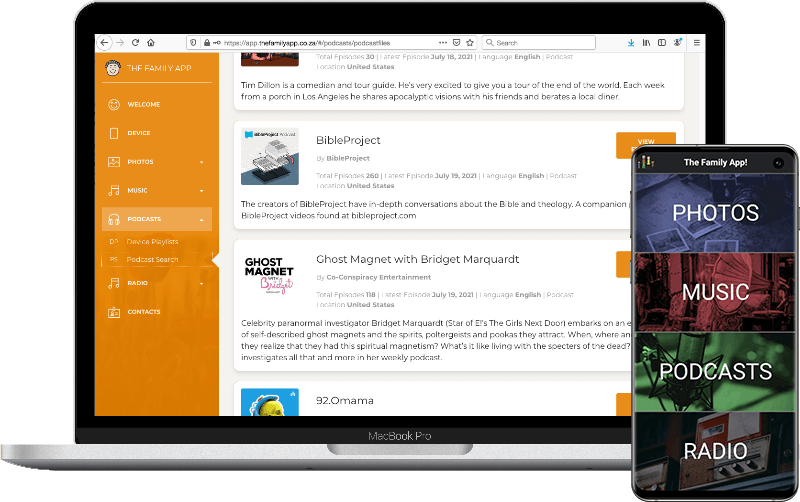
The Family App allows you to select and manage content for your loved ones. All they have to do is enjoy, either on their tablet or smartphone!
History of the Family App
The early version of the Family App was written for our grandfather, Neville. Neville’s body was not keeping up with his brain, his eyes were starting to cloud and his hands were unsteady. Consequently, keeping him entertained and engaged during the day was a challenge. As a family we wanted a better quality of life for our grandfather, a life where he is entertained, connected and stimulated. And so, the Family App was born. An app where family could upload music, podcasts and more to a central website which would automatically sync with his device. Large colour buttons were programmed onto his device to allow Neville intuitive and independent App navigation. The Family App became a vital part of his life until well after his 100th Birthday, providing stimulation and entertainment to each day.
Content can either be selected from our preloaded libraries, or uploaded from your own collection.
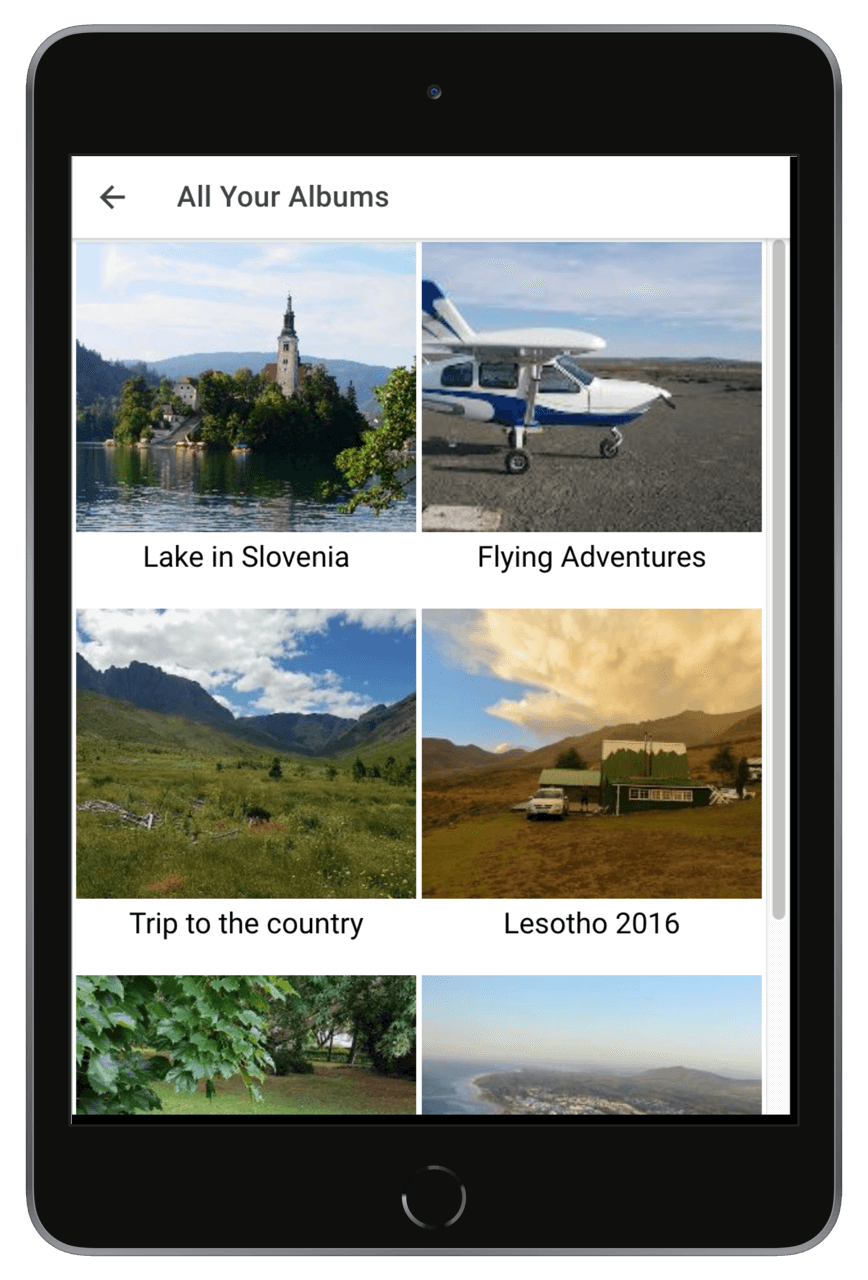
Upload your favourite images and create photo albums. Bonus extra: Add text to an image which can then be narrated using the Text to Speech engine!
Create playlists from a collection of preloaded royalty-free classical music, or upload your own favourite tracks.
Search directly from the server for thousands of new and old podcasts. From war, religion, science, crime, to business etc. Create playlists they would love.
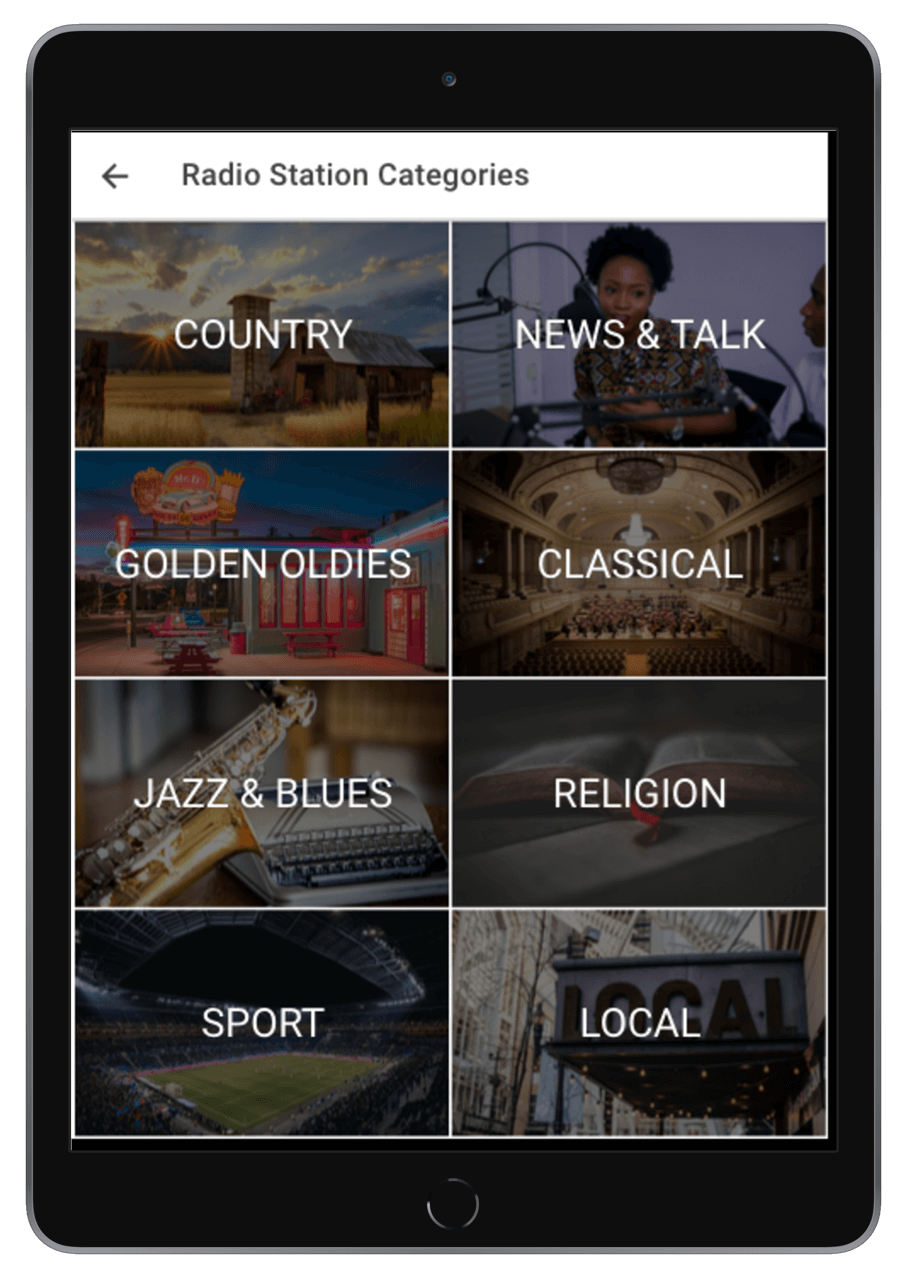
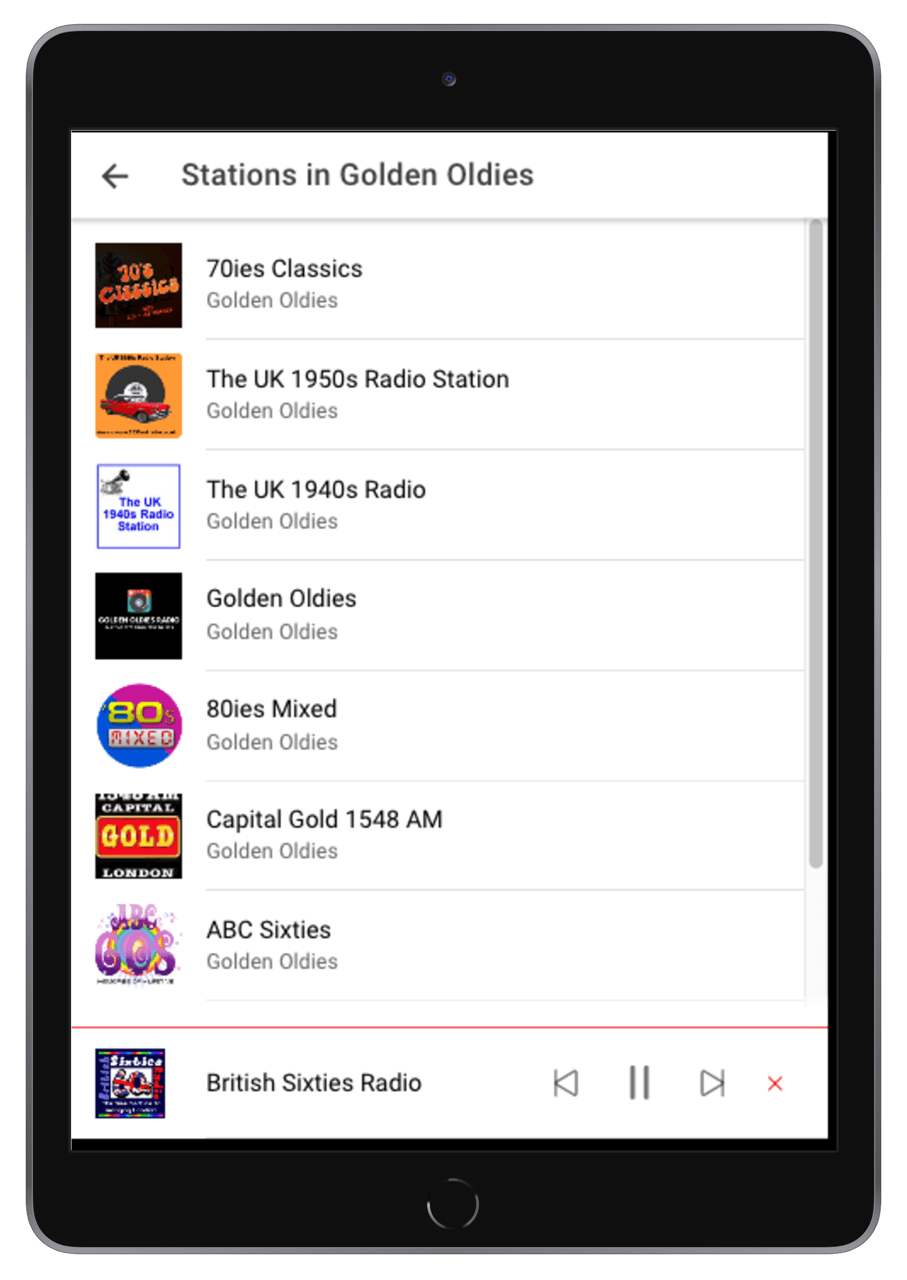
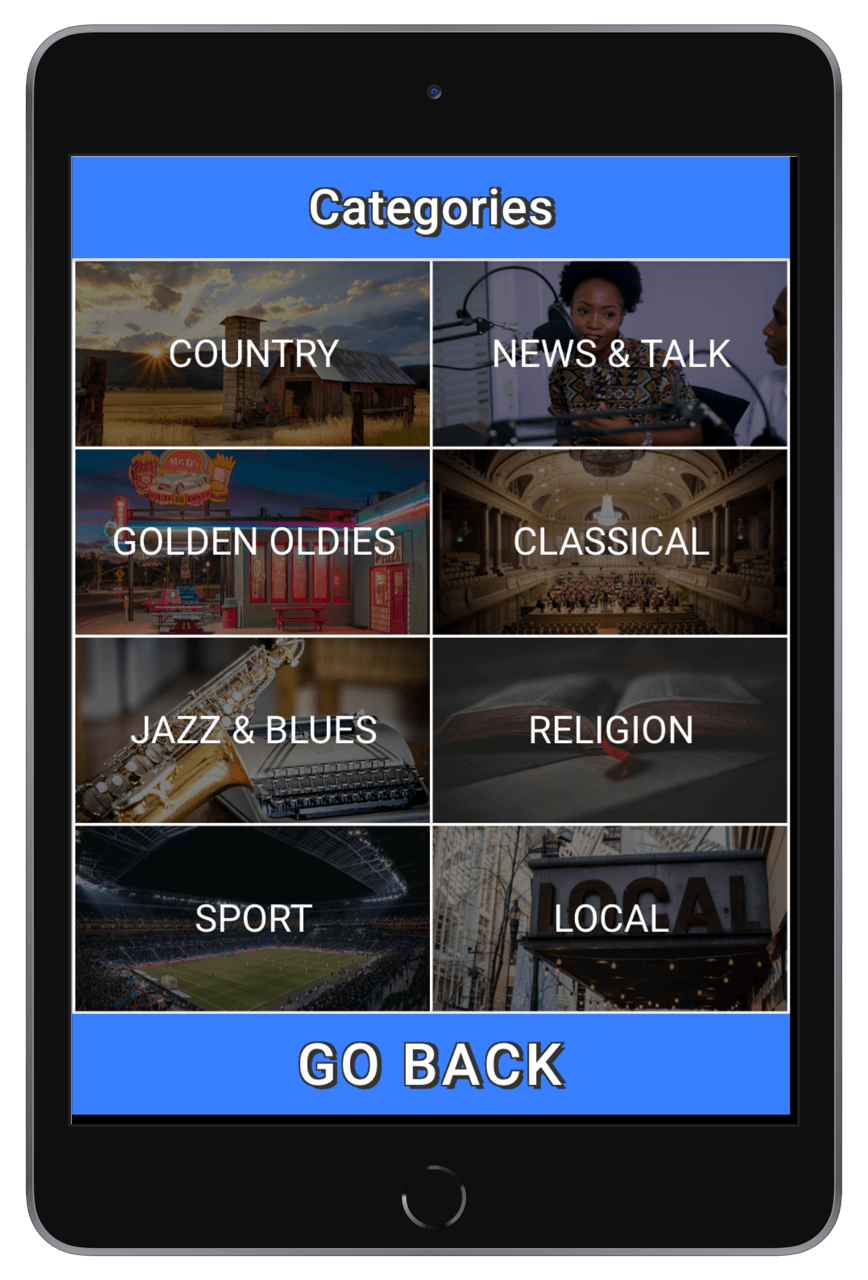
Choose their favourite radio stations from around the world. BBC, classical from Venice or Austria, music stations from the 20s 30s etc!
Five simple steps to get you up and running - click below:
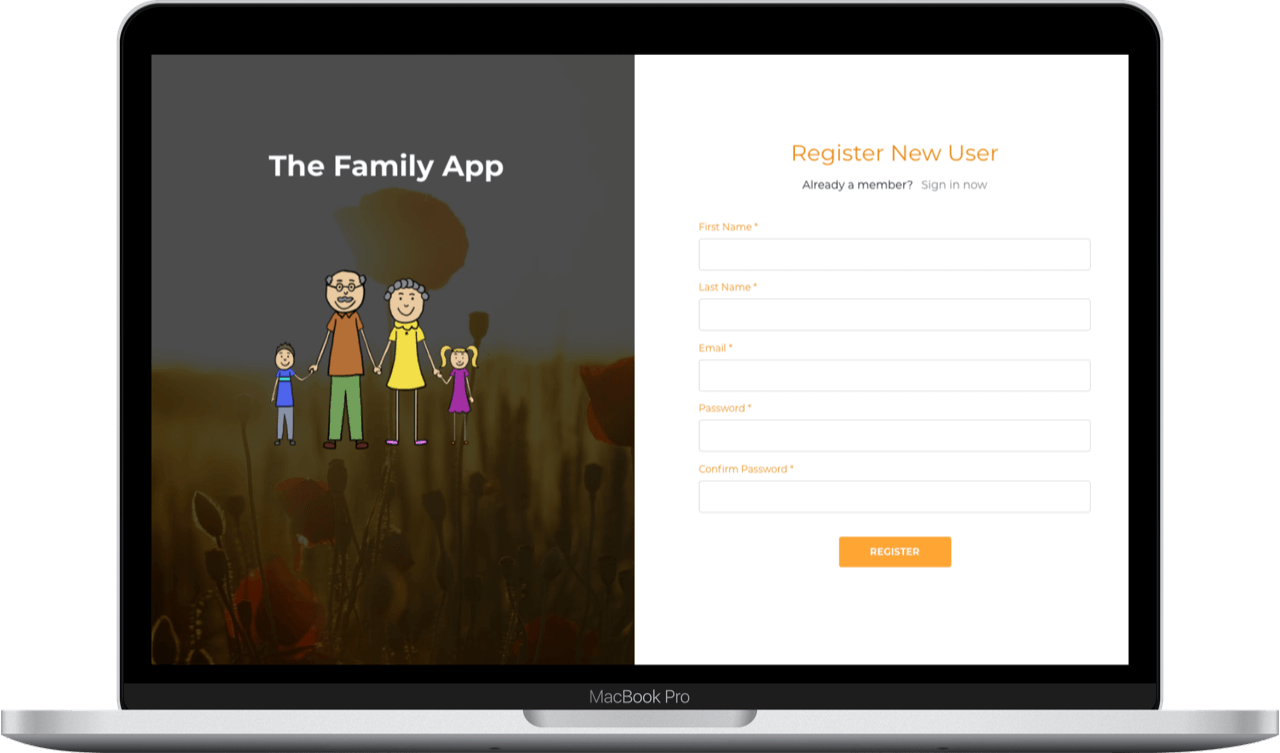
Begin by registering a new account on this website (via the top right menu button).
Login and create content. You can upload from your own collection, or browse our libraries.
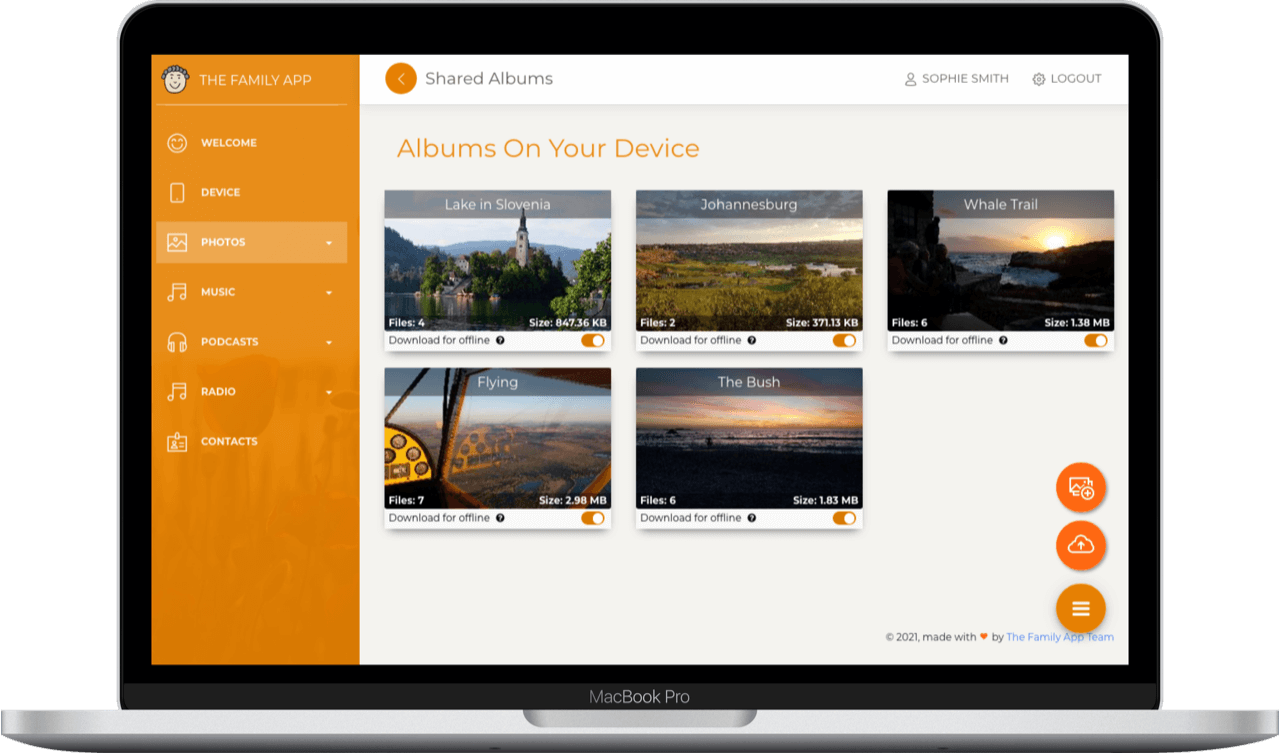
Create Albums and Playlists from your content. The albums and playlists are synchronised with the app.
Download The Family App from the Android Play store onto a smartphone or tablet. Recommended devices are 7 or 8 inch tablets. (Apple devices not yet supported)
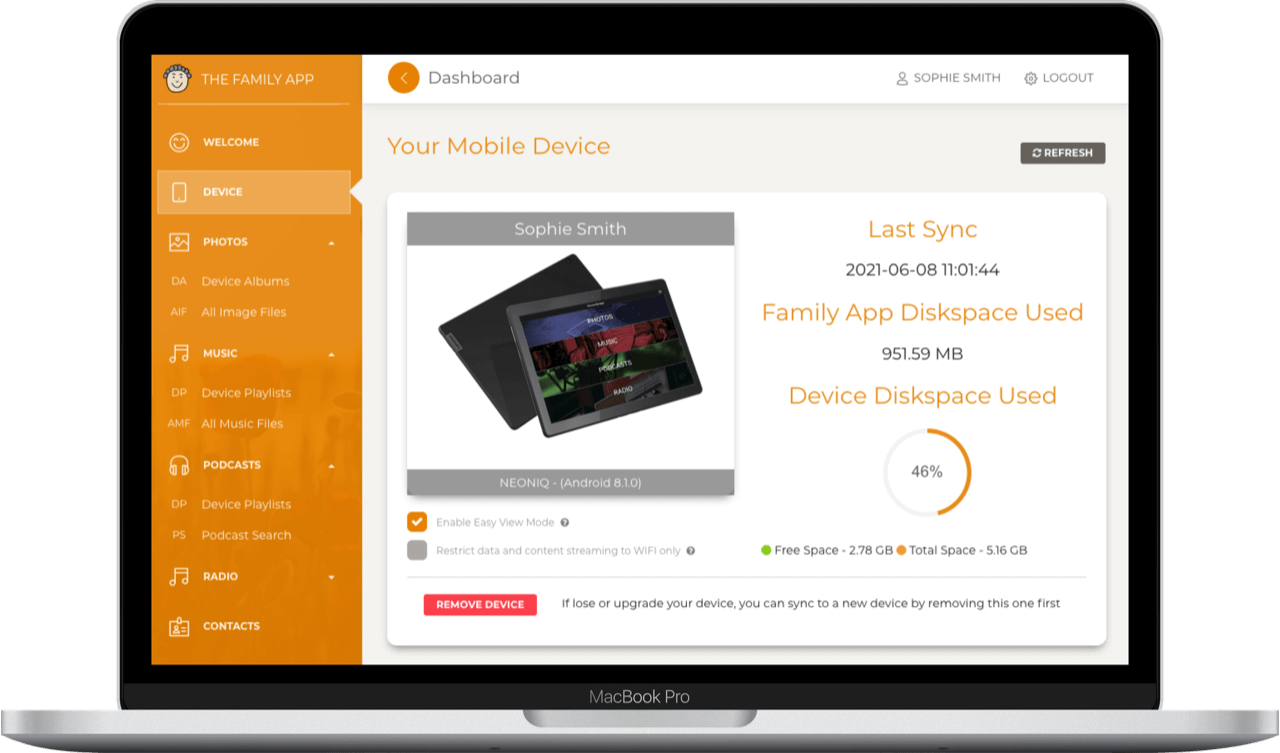
Finally, link the App to your account through the Device Menu on the server software.
As the Family App progresses, more features are being added.
The app can be viewed in either a standard or easy view mode. In easy view mode, all items are basic and large providing enhanced accessability for poor eyesight or unsteady hands.
Content can be set to be downloaded onto the device for offline viewing or to save on data usage on regularly viewed content.
Usage statistics from the app are fed back to the server so that you know what has been listened to and can be changed, or what their favourite stations are.
Text can be added to any image which can then be read out aloud on the app. This is a great feature to add context to your photos!
You are able to restrict data downloads to WIFI only so that mobile data is not used. Bluetooth can be used to connect to external speakers (or use a standard audio jack, if supported).
Create and manage an address book within the app. This is a handy shortcut allowing the user to easily dial, or be directed to a Whatsapp conversion or call.
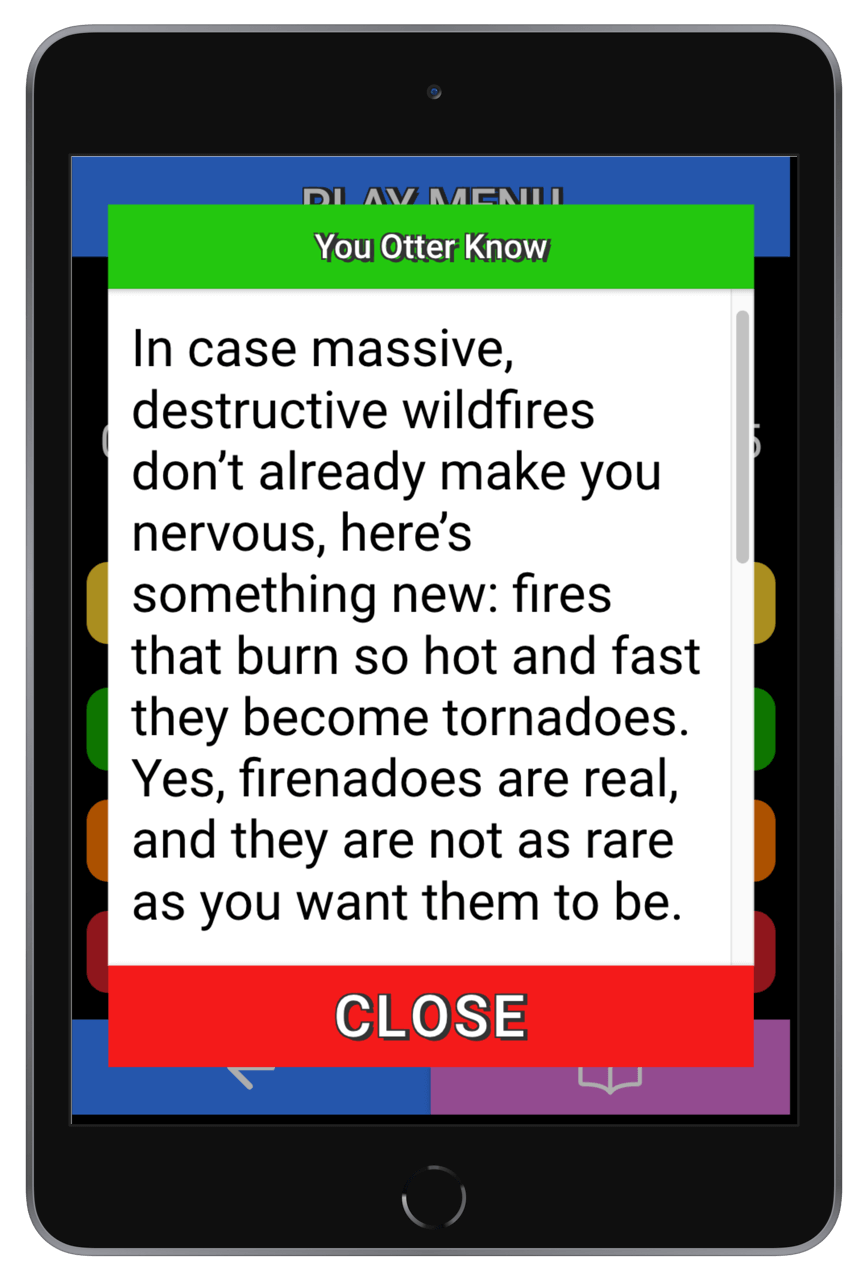
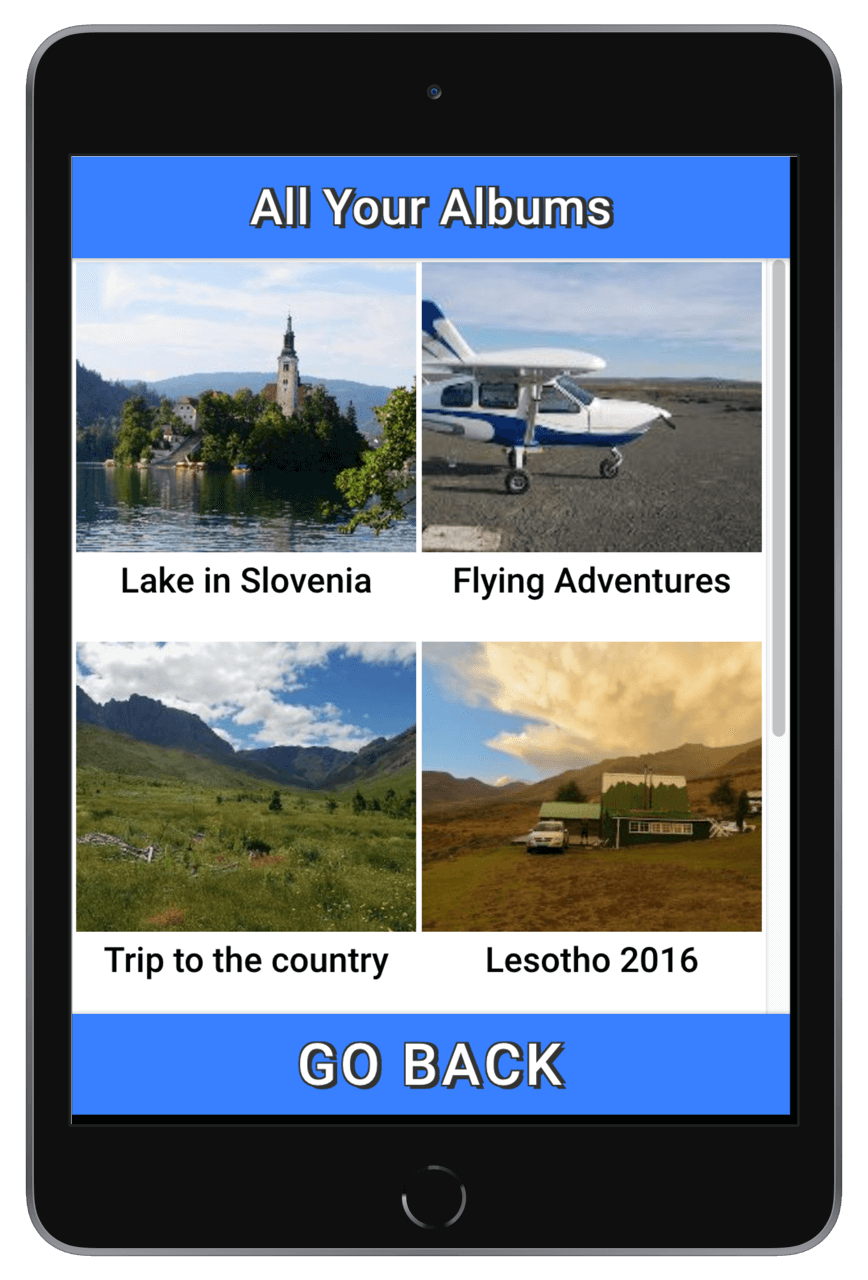
In the standard view mode, screens have greater detail and smaller buttons. You are able to continue listening to content in the background whilst you view images or read the descriptions of podcasts. Click on the tablet to view a selection of screenshots.
Home page
Radio station categories
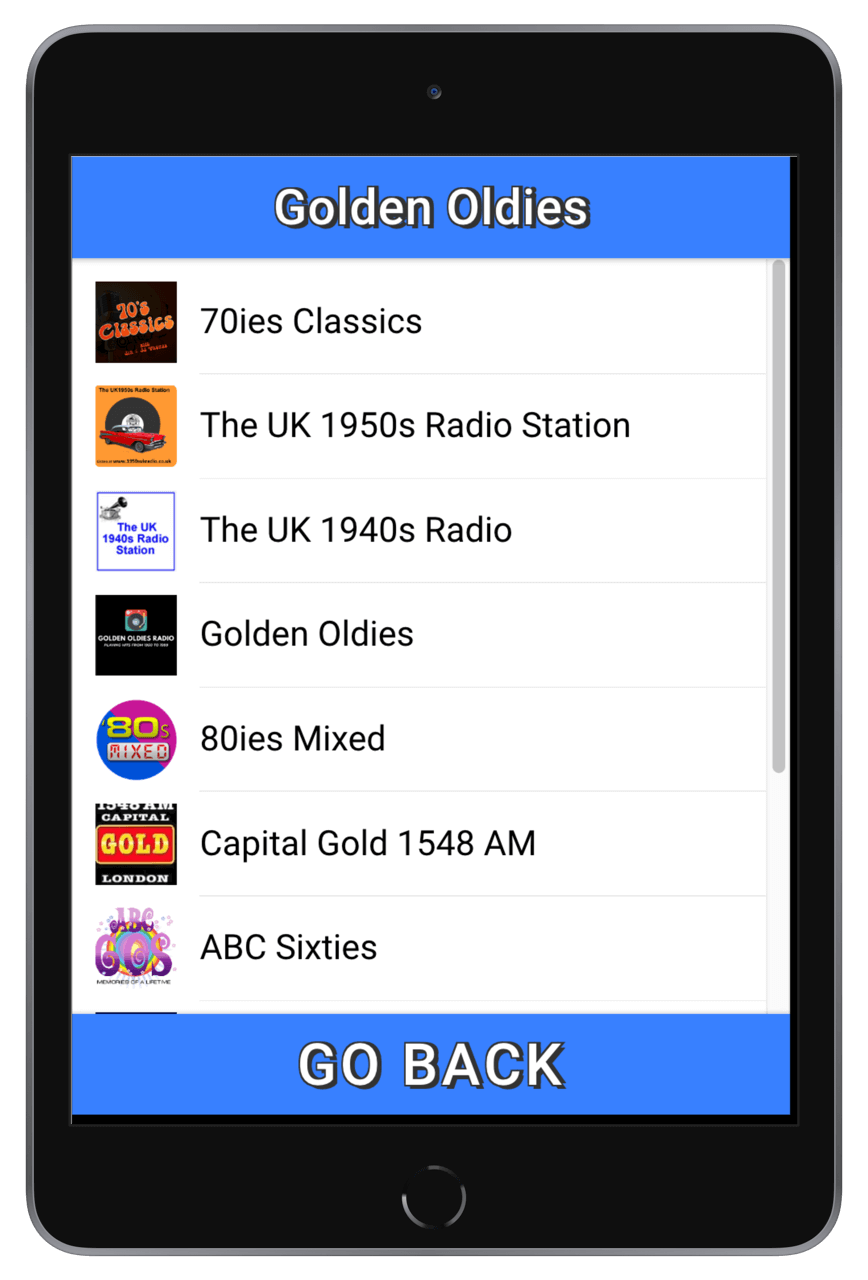
All radio stations in chosen category
Podcast
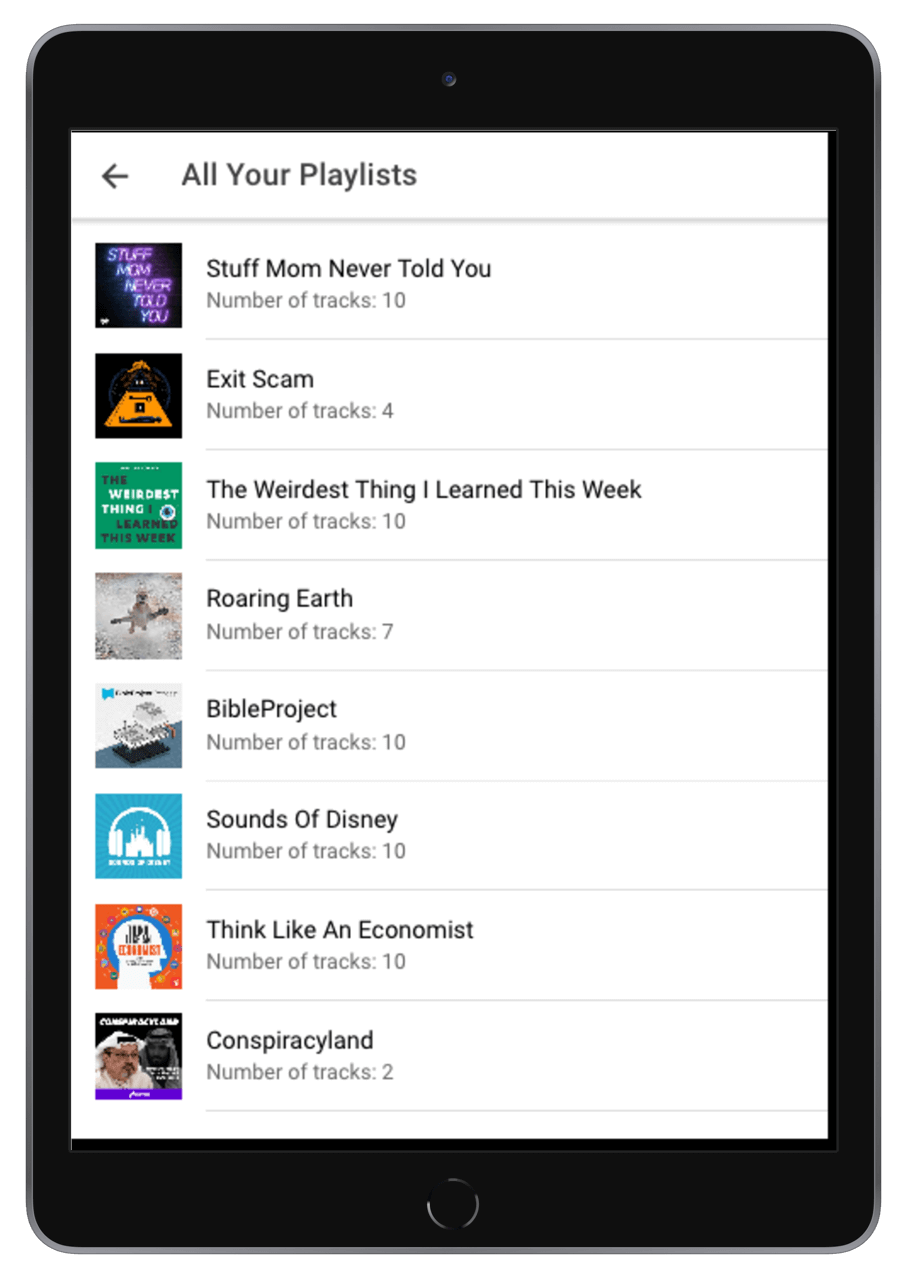
playlist
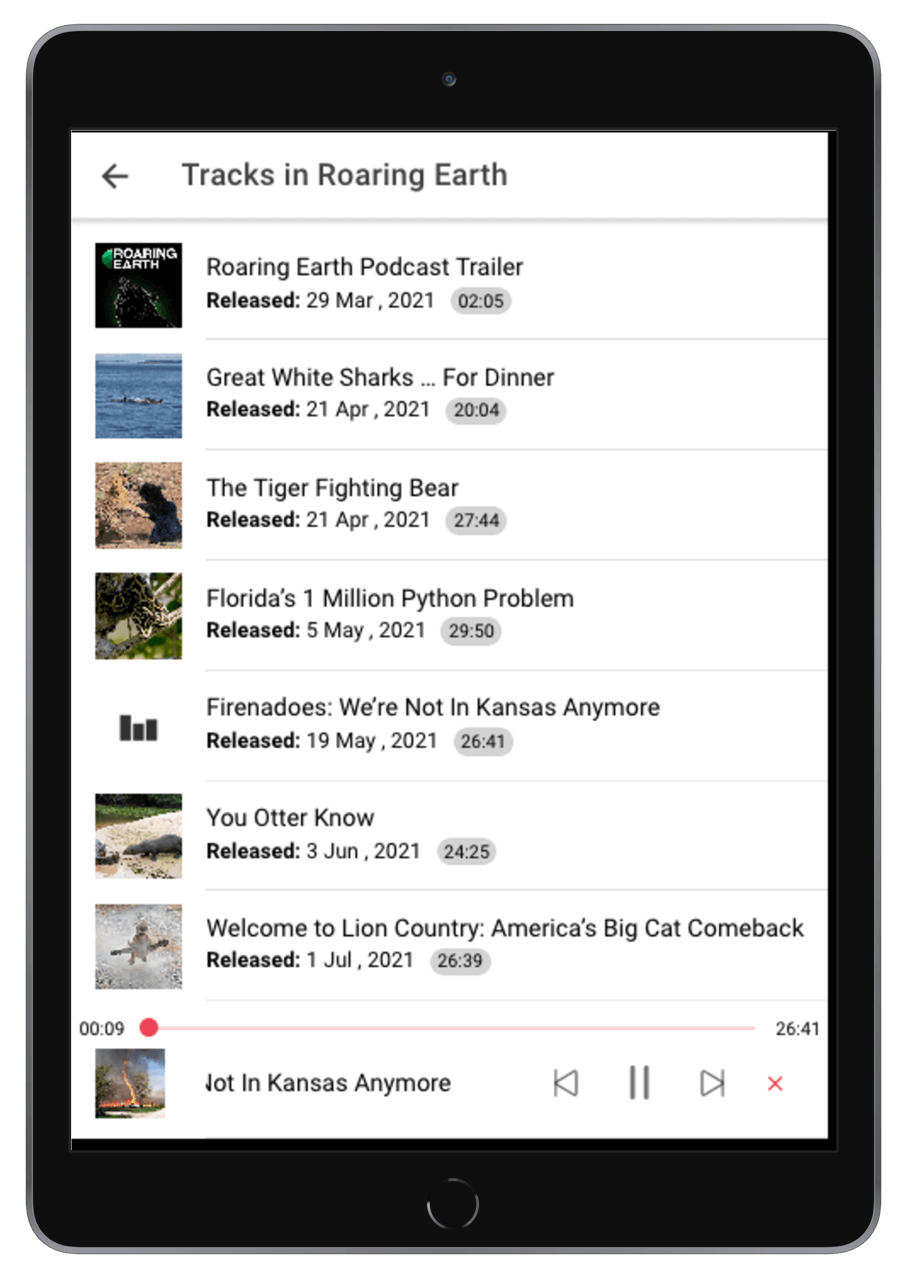
Tracks in chosen podcast
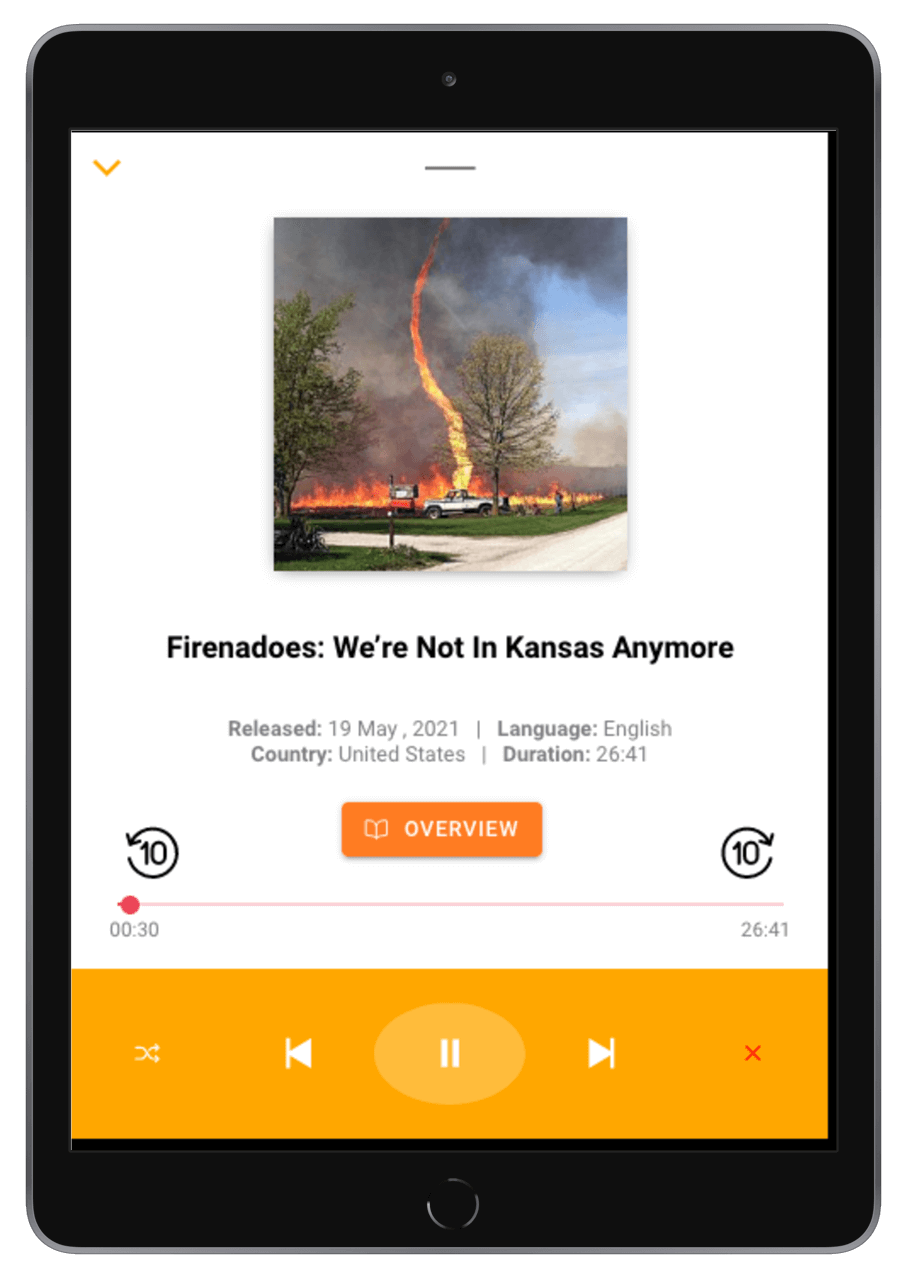
Podcast player
All
your albums
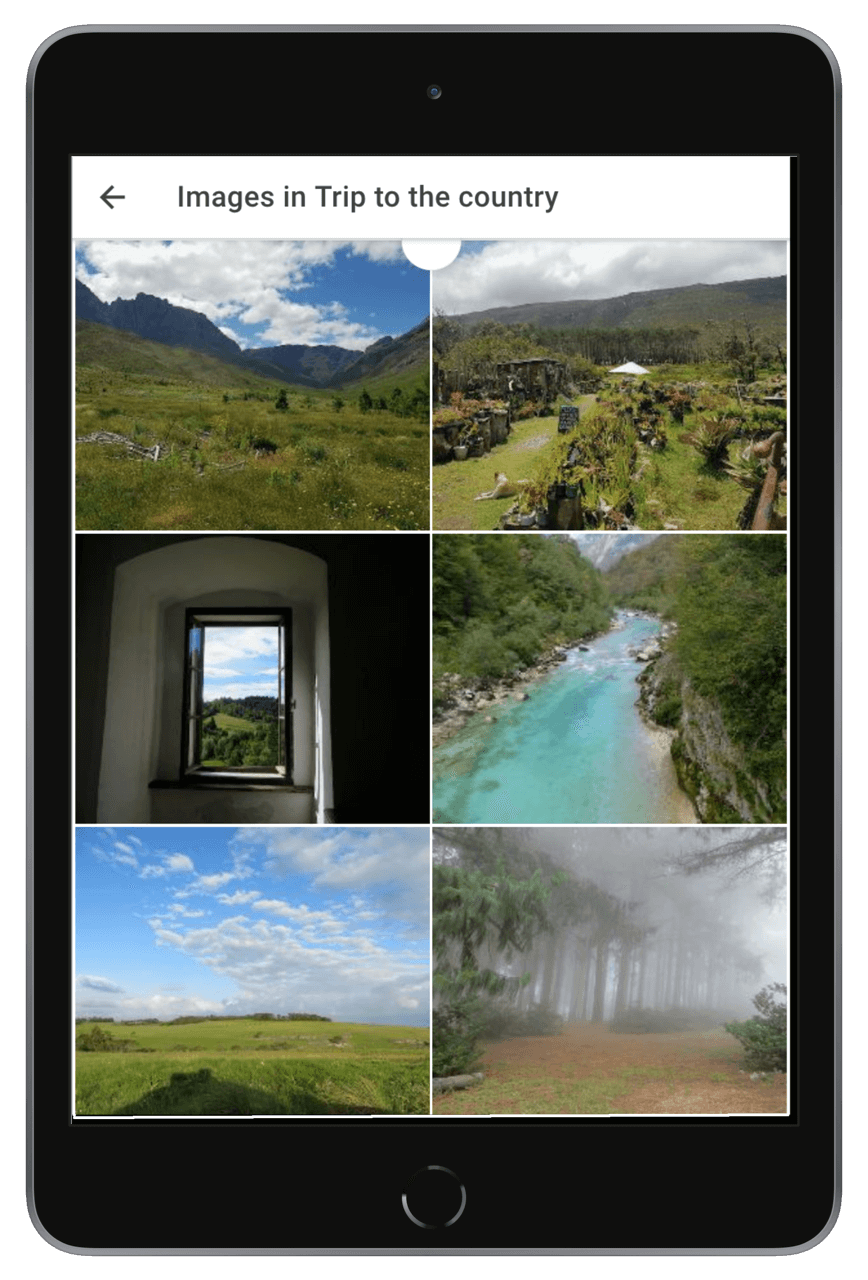
Images in chosen album
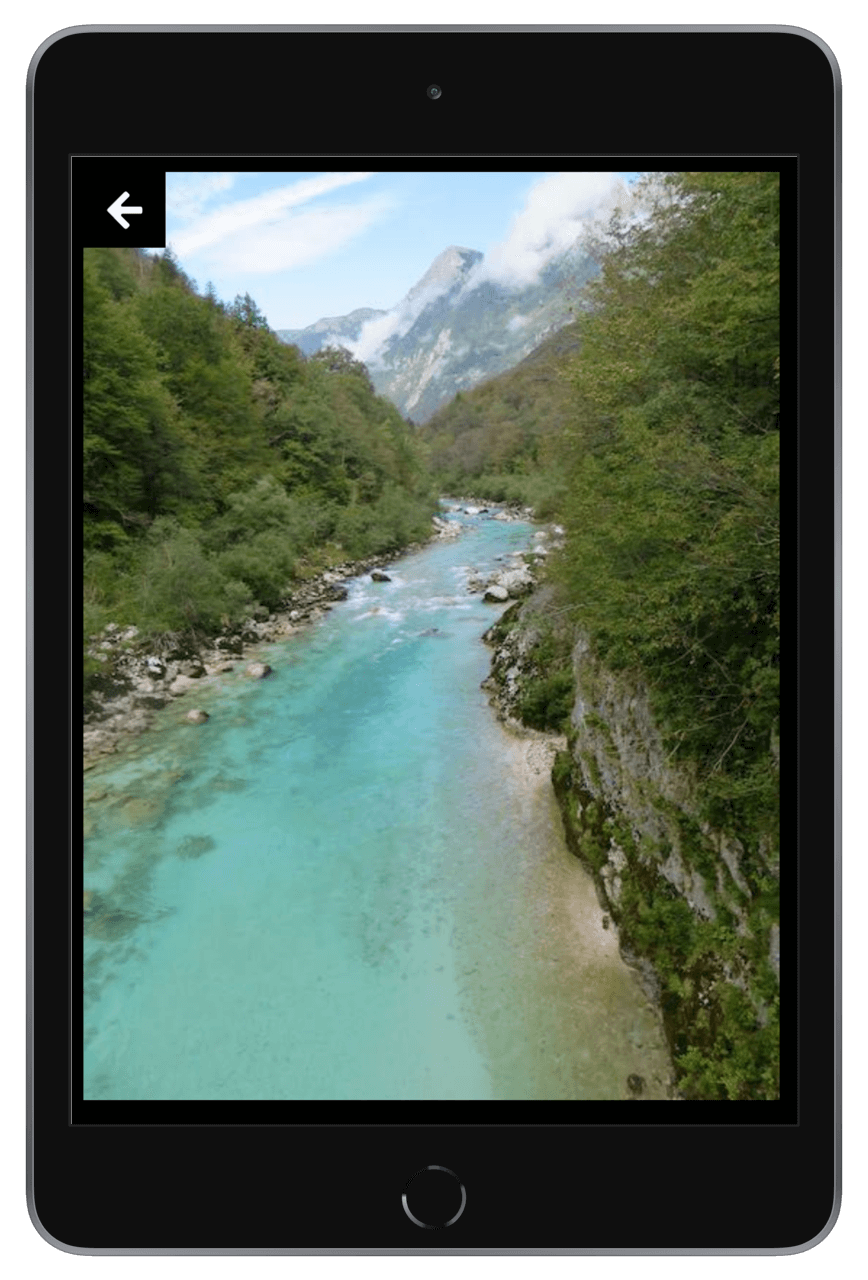
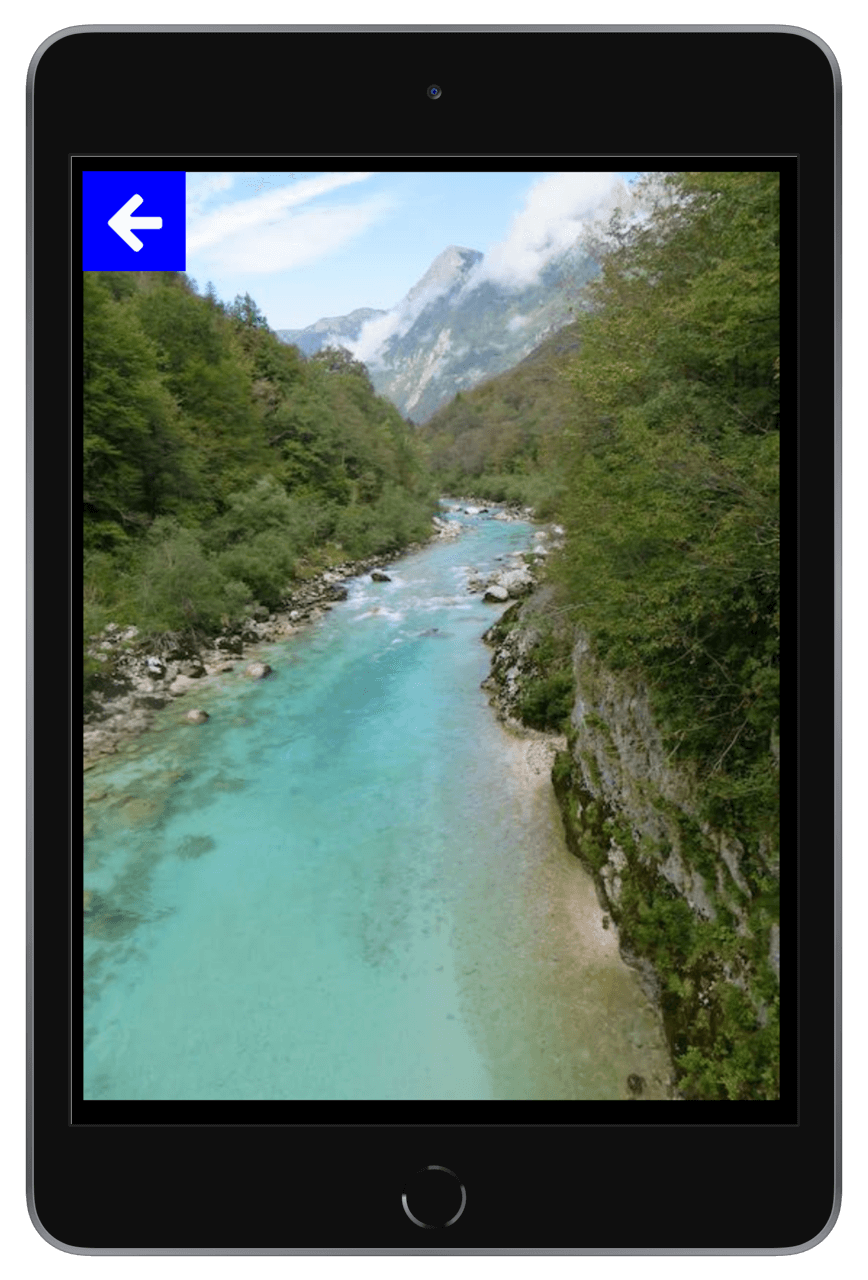
Swipeable fullscreen image
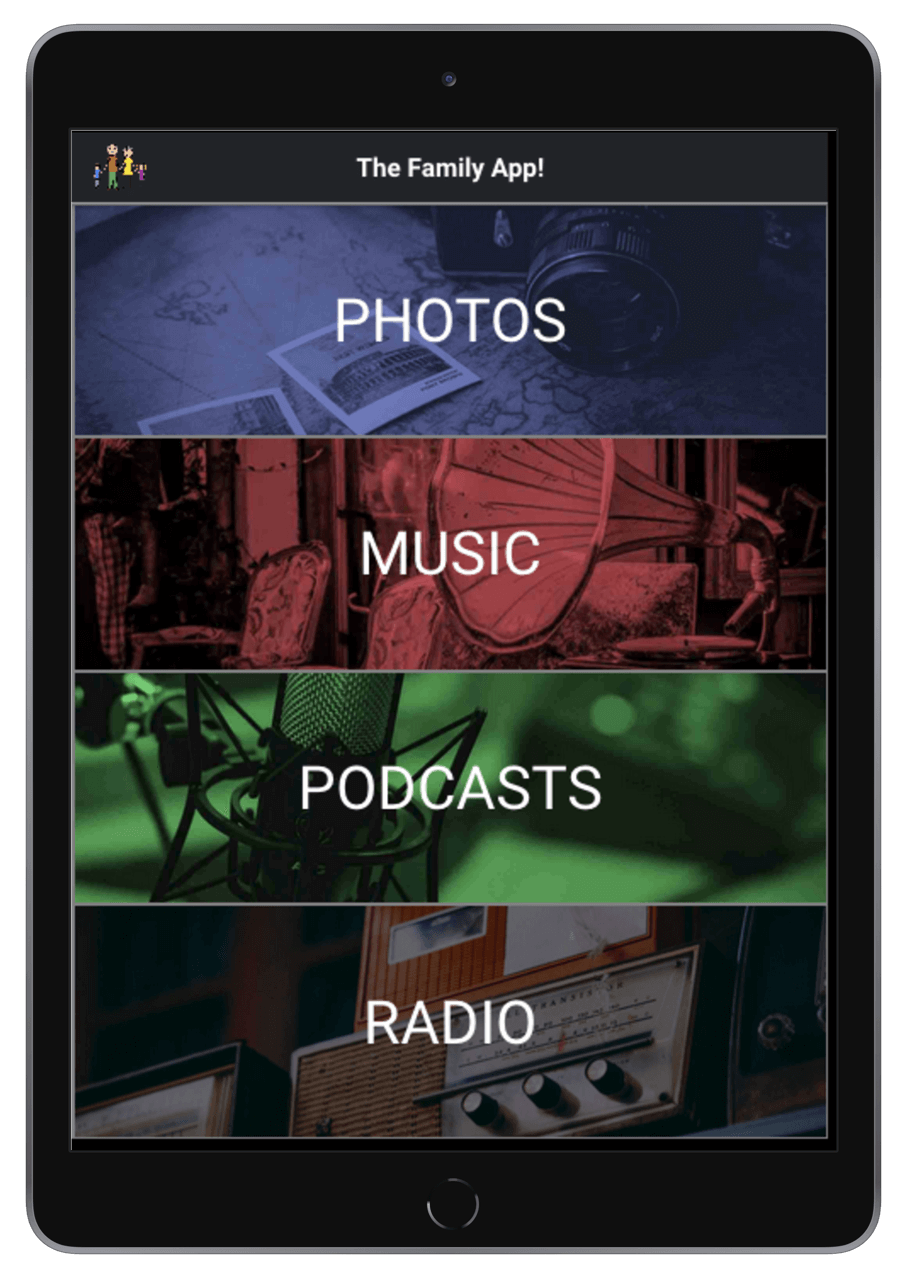
Home page
Radio station categories
All radio stations in chosen category
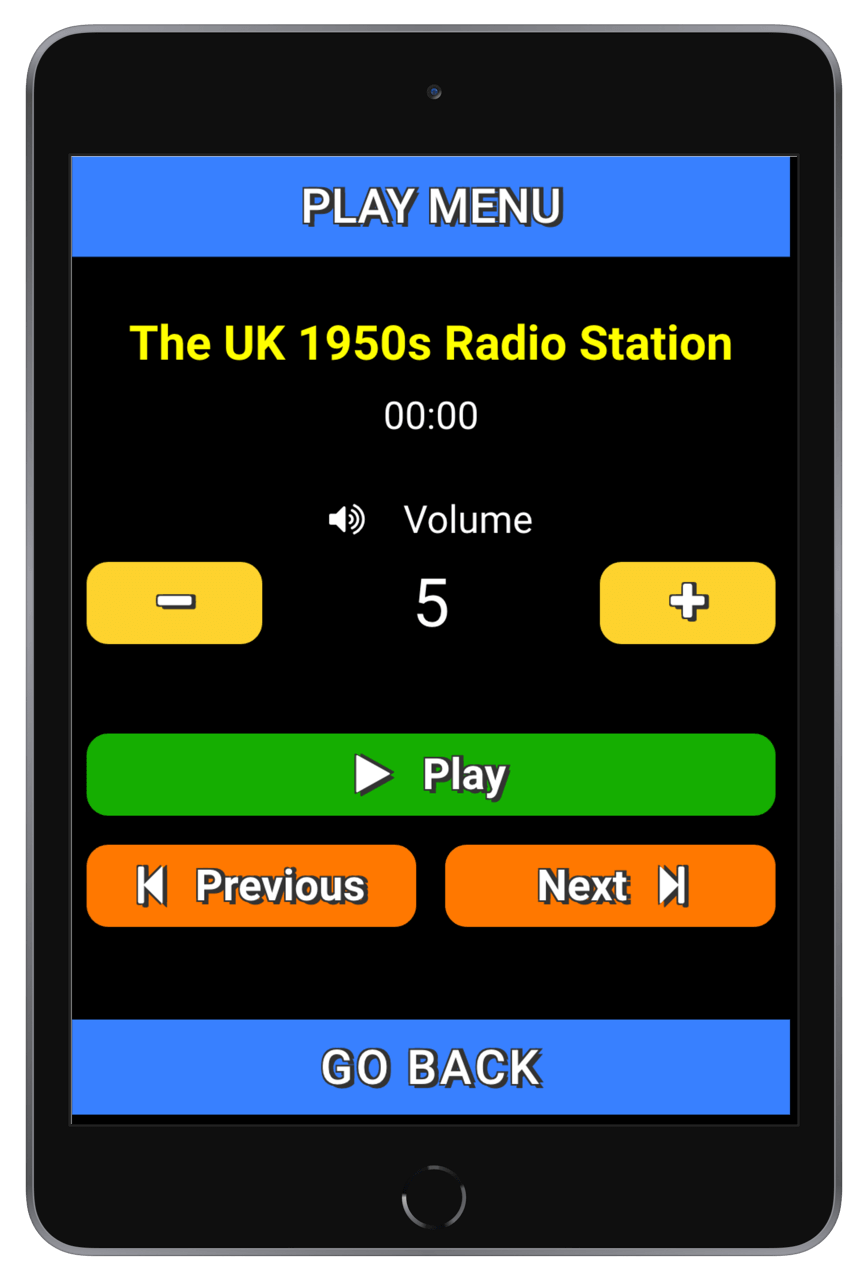
Radio station player
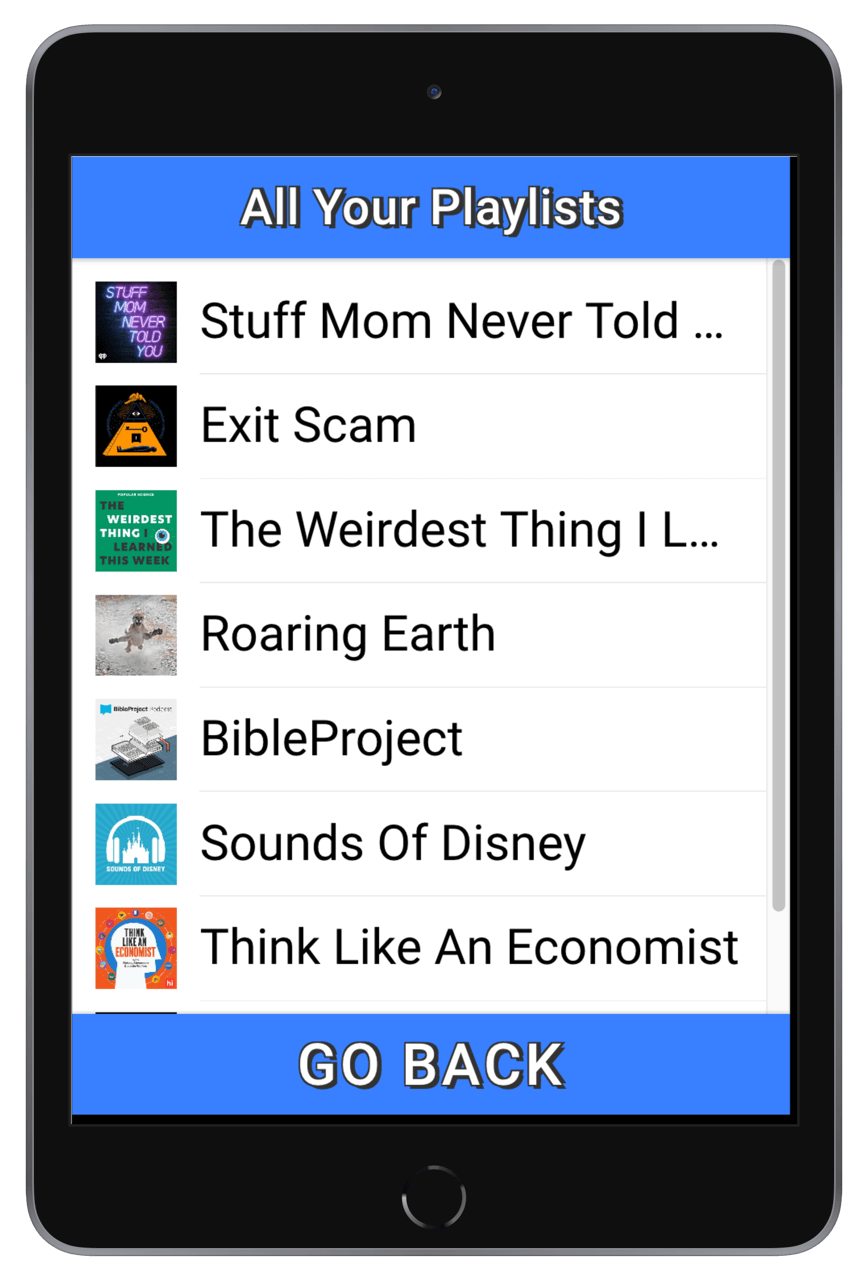
Podcast playlist
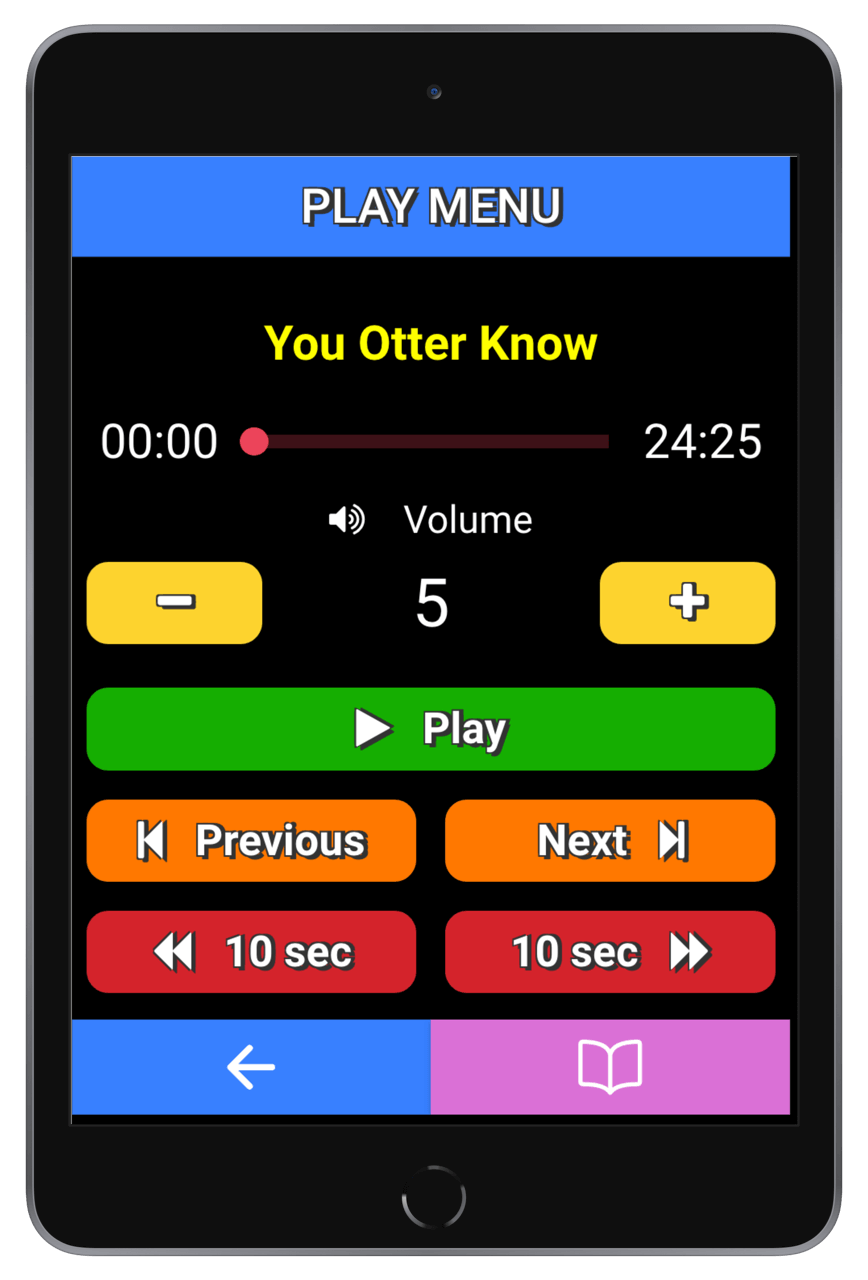
Podcast player
Podcast description in player
All
your albums
Images in chosen album
Swipeable fullscreen imageIn easy view mode, screens are simplified in detail and large colour-coded buttons are provided to allow for enhanced accessability. A dedicated simplified player is included for each content type so that flow is simple and intuitive. Click on the tablet to view a selection of screenshots.
Since we are still in the Beta testing phase, you get to use it for free!